
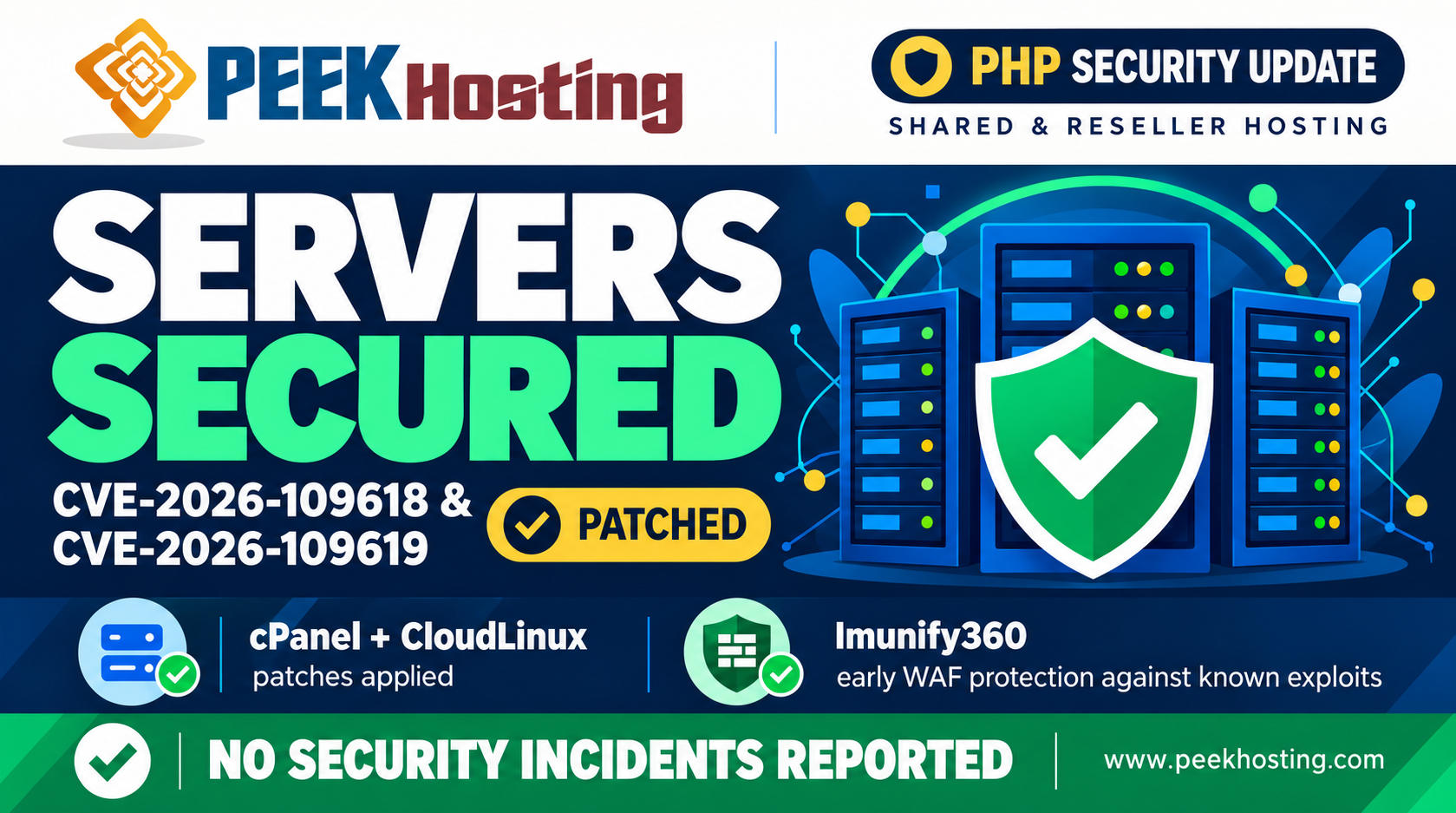
PEEK Hosting has applied the relevant security patches for CVE-2026-109618 and CVE-2026-109619 across our Shared Hosting and Reseller Hosting servers.
No security incidents related to these vulnerabilities have been reported on these services.
cPanel and CloudLinux have released security updates addressing these PHP vulnerabilities. Imunify360 also provided early protection against known exploit patterns while the patches were being prepared. Here is what customers need to know, including the separate action required for VPS services. CVE-2026-109618 and CVE-2026-109619 – cPanel
What are these PHP vulnerabilities?
On 21 October 2026, the PHP project released fixes for two critical vulnerabilities that can allow an unauthenticated attacker to execute code through an affected PHP process.
These issues concern the PHP runtime itself, so updating a website’s plugins alone does not resolve them. Hosting servers may run several PHP versions at the same time, and every affected version serving websites needs the appropriate security update. 2026
How PEEK Hosting responded
Our Shared Hosting and Reseller Hosting platform has received the relevant server security updates. Customers using these services do not need to run the VPS commands in this article.
Before the patches became available, Imunify360’s Web Application Firewall supplied an additional layer of protection against known exploit patterns. These rules helped reduce exposure during the patching window.
This early protection addresses specific attack patterns. The PHP security updates remain necessary to fix the underlying vulnerabilities. blog.cloudlinux.com
What VPS customers need to do
VPS customers with Managed Support
If your VPS includes Managed Support, including a WHM/cPanel VPS plan with this service, contact us through Live Chat or a Support Ticket to arrange patching.
Our team will verify your account and guide you through secure server access. VPS updates are handled individually and are separate from the completed Shared Hosting and Reseller Hosting updates.
Self-Managed / Unmanaged VPS customers
Arrange the required updates promptly or ask your server administrator to handle them.
Ensure you have a current backup or VPS snapshot before making changes. Run only the commands applicable to your server, using root or sudo access.
Run the commands one at a time, wait for each operation to finish, and resolve any errors before continuing. Service restarts can briefly interrupt websites.
PHP update commands
1. cPanel / WHM — EasyApache 4
For RPM-based cPanel servers, refresh the repository information:
yum clean all && yum makecache
Update installed EasyApache PHP packages:
yum update "ea-php*" -y
For an Apache deployment, restart Apache:
/scripts/restartsrv_apache
If website PHP-FPM is enabled, restart it too:
/scripts/restartsrv_apache_php_fpm
On AlmaLinux 8/9 or Rocky Linux, you can use dnf instead of yum.
These commands update website PHP packages. Also keep cPanel & WHM itself updated through WHM’s Upgrade to Latest Version interface, which addresses its own bundled PHP. CVE-2026-109618 and CVE-2026-109619 – cPanel
2. CloudLinux — Alt-PHP / EasyApache PHP
Update the PHP package families installed on your server.
For CloudLinux PHP Selector / Alt-PHP:
yum update "alt-php*" -y
For EasyApache PHP:
yum update "ea-php*" -y
If you already completed the EasyApache update above, you do not need to repeat it. After the applicable updates, restart the PHP/web services used by your server. cloudlinux.statuspage.io
3. Ubuntu / Debian — Apache example
For systems using APT-managed PHP packages, refresh package information:
sudo apt-get update
Upgrade matching installed packages:
sudo apt-get --only-upgrade install "php*" -y
For a server using Apache, restart it:
sudo systemctl restart apache2
This is an Apache example. PHP-FPM, Nginx with PHP-FPM, LiteSpeed, and other configurations require their corresponding PHP-worker restart procedures. Your configured repository must also provide the fixed packages. ubuntu.com
Confirm that the update is complete
Before considering a server patched, confirm that every PHP version serving websites uses a vendor-patched package and that the relevant runtime processes have restarted.
CloudLinux and Linux distributions may backport fixes without changing to PHP’s latest upstream version number. Check the vendor’s package information and changelog.
Custom PHP builds, third-party repositories, and container images can require different update procedures. blog.cloudlinux.com
Frequently asked questions
Does this announcement mean my VPS is already patched?
VPS patch status must be checked individually. Customers with Managed Support should contact Live Chat or open a Support Ticket to initiate the update process.
Is Imunify360 enough without updating PHP?
Imunify360 provides protection against known exploit patterns. The applicable PHP security patches remain necessary. blog.cloudlinux.com
Do Shared Hosting customers need to run these commands?
No. PEEK Hosting has handled the relevant server updates for our Shared Hosting and Reseller Hosting platform. The command examples are for administrators responsible for their own VPS or server.
Need assistance?
Contact PEEK Hosting through Live Chat or a Support Ticket. For assistance with this security update, our support team is available until 11:00 PM Sri Lanka time.
Please share this article with your developer, IT team, or anyone responsible for maintaining a PHP server.
Thank you for trusting PEEK Hosting.
What do you think?
Responses
Comments (0)
No comments yet. Be the first to comment!








Leave a Comment