We offer a free lifetime SSL certificate with all our hosting plans, including Shared Hosting, Business Hosting, Reseller Hosting, and Enterprise Hosting.
The SSL is provided by Let’s Encrypt. Since they offer SSL certificates for free, we also provide and install it for you at no cost.
You can easily install the SSL certificate in cPanel with no complicated steps. It’s just a one-click process.
Simply log in to cPanel and go to “SSL/TLS Certificates.”
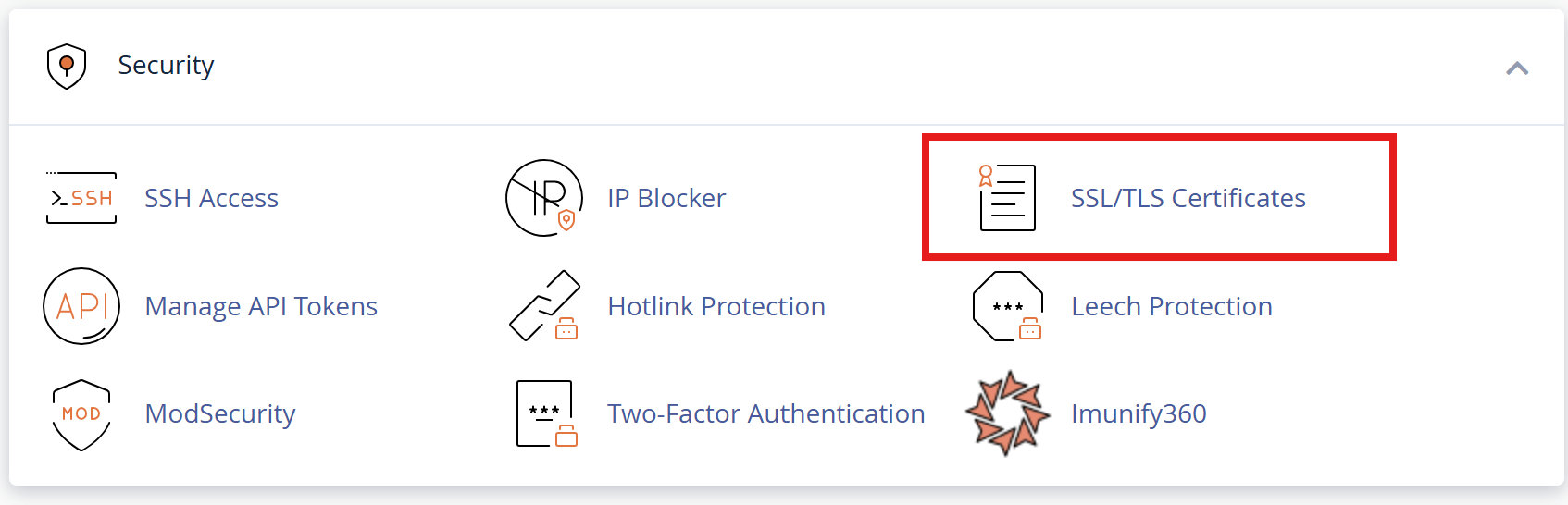
After that Click "Wizard" tab.

Now you can see the list of all domains.
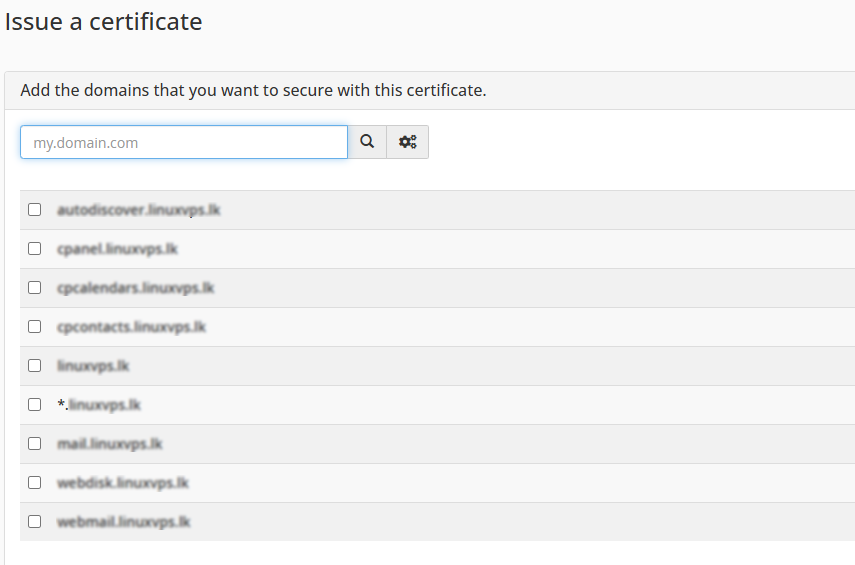
Click on the check box of the domain where you want to install SSL, or if you want to install SSL for all domain records, click on the (*) in front of the domain check box.
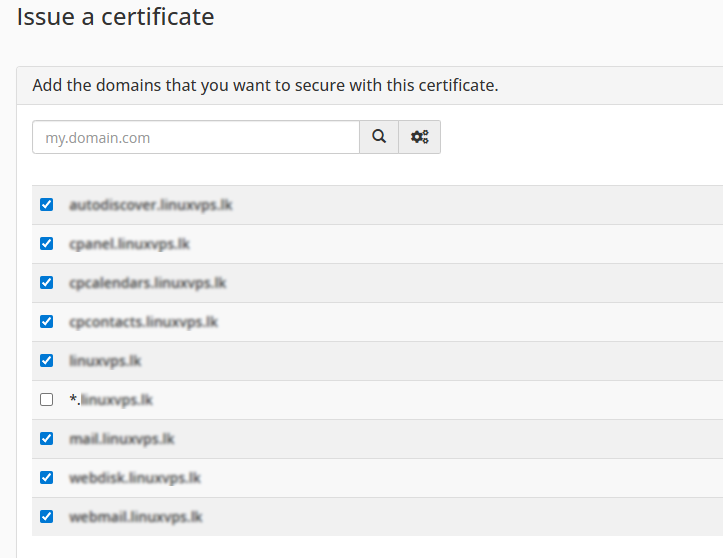
Next click continue

Now, click on the Let’s Encrypt Certificate Button
SSL is now successfully installed on your domain.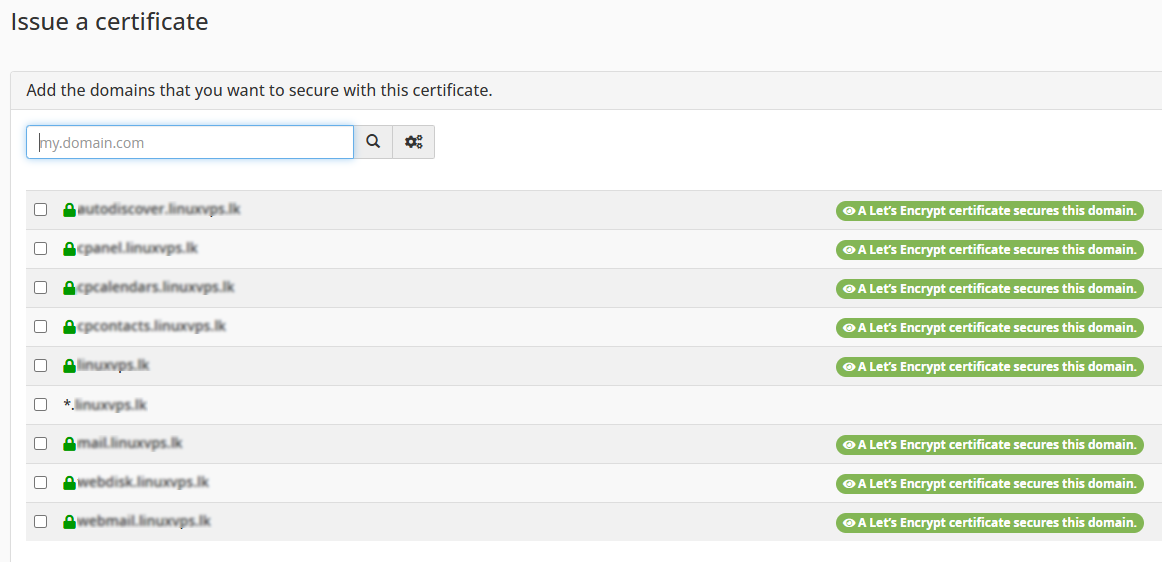
Before doing that, make sure to point the domain name by nameservers. Otherwise, SSL will not be installed.