It is easy to Login to your cPanel from your client area without putting username or a password.
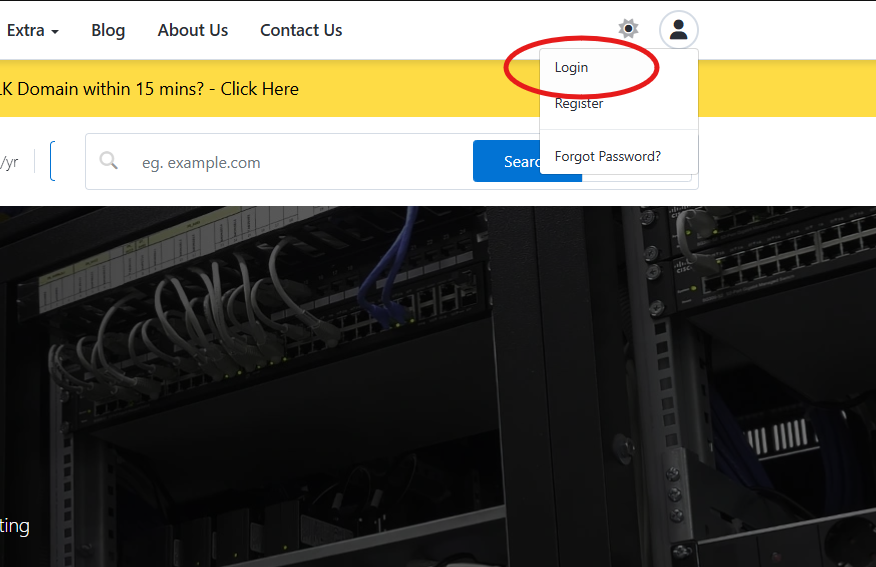
Simply login to your client area first.
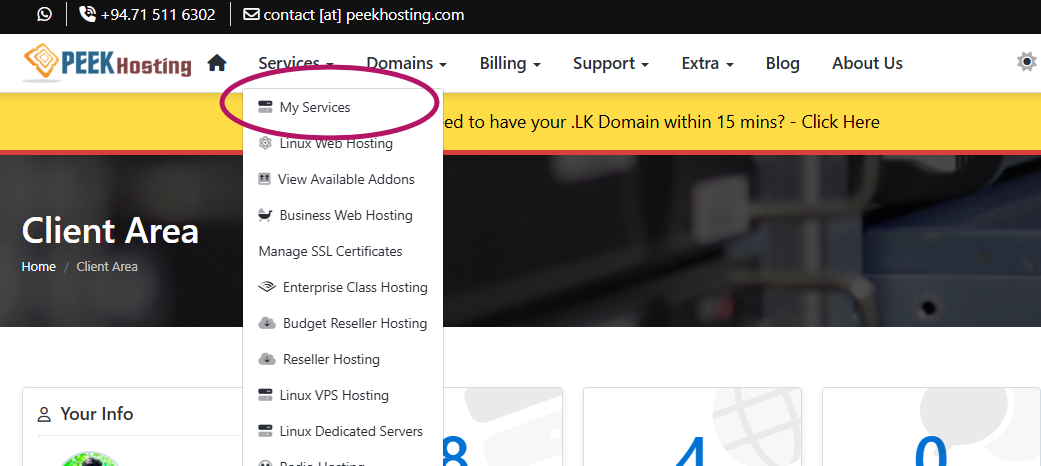
After that visit Service Menu > My Service.
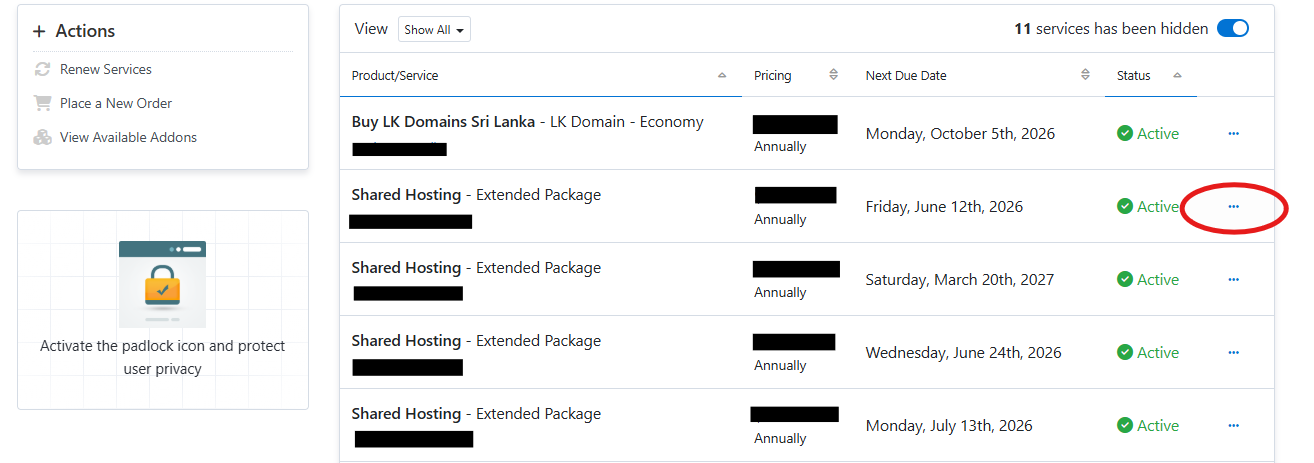
Now you can see your all or one service on the table. Click on the 3 dots that required package, you need to log into cPanel.
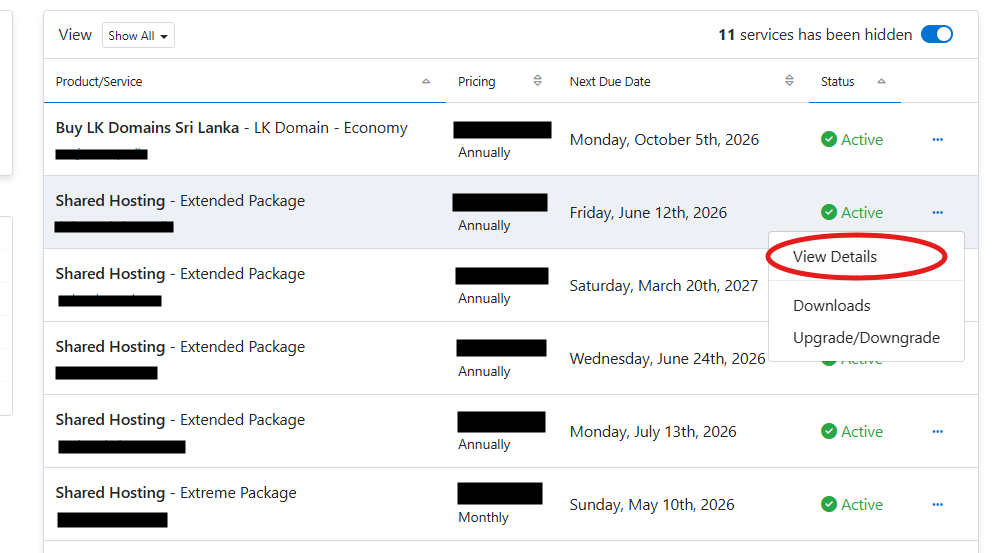
So, now click on the View Details button.
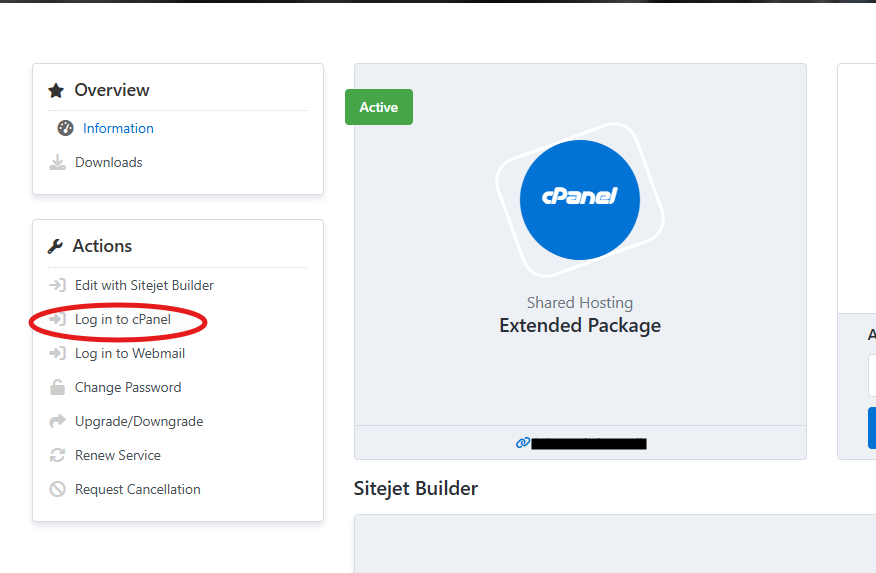
Now you are inside of your service and you can see the Login cPanel button. Click on it and you will be redirected to the cPanel easy.
If it is failed in somehow, please contact our technical support via LiveChat and you can get support from our staff any time.